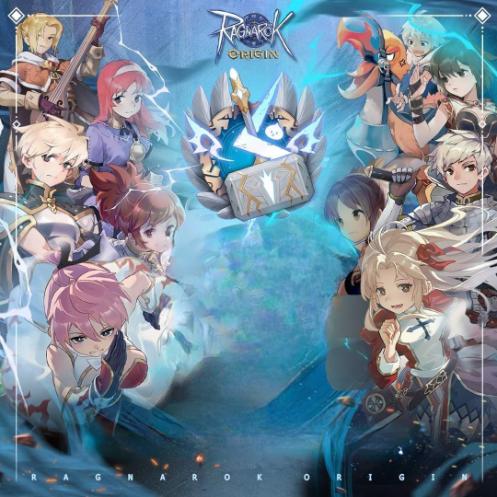
The Ragnarok - Drop Link
Instant
Cara Top Up
- Masuk ke https://topup-mobile.gnjoy.in.th/TheRagnarok/TopUp
- Silakan login terlebih dahulu menggunakan Apple ID / Facebook / Google
- Pilih Region Indonesia ( IDR ) dan Pilih GOC sebagai Payment Methode
- Pilih denom sesuai dengan pesanan yang Anda inginkan lalu klik Confirm
- Generate link dan Copy Link atau URL tersebut lalu paste pada kolom yang telah kami sediakan:
Contoh url https://pay.goc.id/paymentchannel/walletgoc/?paycode=6b386467-3539-4730-b16e-7a6676663470 - Setelah menghasilkan link pembayaran, jangan mengubah atau mengedit link tersebut, termasuk mengisi kolom login dan password, karena dapat mempercepat masa kedaluwarsa link.
1
Enter Oneone Link
- Go to https://topup-mobile.gnjoy.in.th/TheRagnarok/TopUp
- Please login first using Apple ID / Facebook / Google
- Select Indonesia ( IDR ) Region
- Select Platforms, Server, UID and Uni Pin as payment method
- Select the denom according to the order you want then click Confrim
- Login unipin account Mail [email protected] Password : Abcd1234
- Generate link and Copy the Link or URL and paste it into the field we have provided
- Example url https://www.unipin.com/unibox/c/dP5617303715182nhsBx6eT9y7/55
2
Choose item
3
Choose payment method




4
Got voucher code
5
Order confirmation (Required)
Required: If there are problems, you will be contacted via WhatsApp
By purchasing I automatically agree to Terms of Service

TOKOJOT

WhatsApp
